Free Photoshop CC Extension “Dodge & Burn” + Video Tutorial
A few days ago Adobe release Photoshop CC - a good reason for me to release somethin as well: A free extension panel for Adobe Photoshop CC that I created! Actually I have been using this myself for quite a while now, but I just recently upgraded it to support Photoshop CC and decided to offer it publicly now - for free!
The Dodge & Burn Extension Panel 1.1.4 for Photoshop CC allows you to create 50%-Gray-Layers in both “Soft Light” and “Overlay” mode plus a preconfigured Channel Mixer adjustment layer to enhance visibility when retouching areas with faint contrast - all with the click of a button! If you are a high-end retoucher dealing with non-destructive dodge & burn techniques, you will come to love this handy little time saver!
Here’s the download link:
http://thinkingpixels.com/downloads/AMHuenseler_Dodge_and_Burn_114.zxp
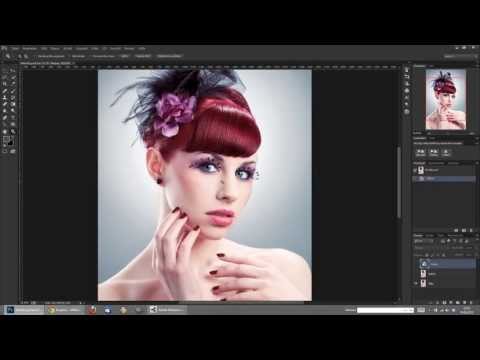
I created a short video tutorial to explain how to use and install it and give some general introduction to non-destructive dodge & burn techniques in Photoshop CC, but though my panel already supports both German and English, I’m afraid the video is currently available in German only - sorry, so little time… It’s all fairly simple though, so enjoy this freebie! 
 English
 Deutsch